
UI Builder
Availability: UI Builder is feature-gated and is not enabled in the current production frontend configuration. The workflow described here applies when the feature is enabled for your team.
The UI Builder is Biztraak’s drag-and-drop frontend designer.
It generates real Angular/React code under the hood, so you get speed without lock-in.
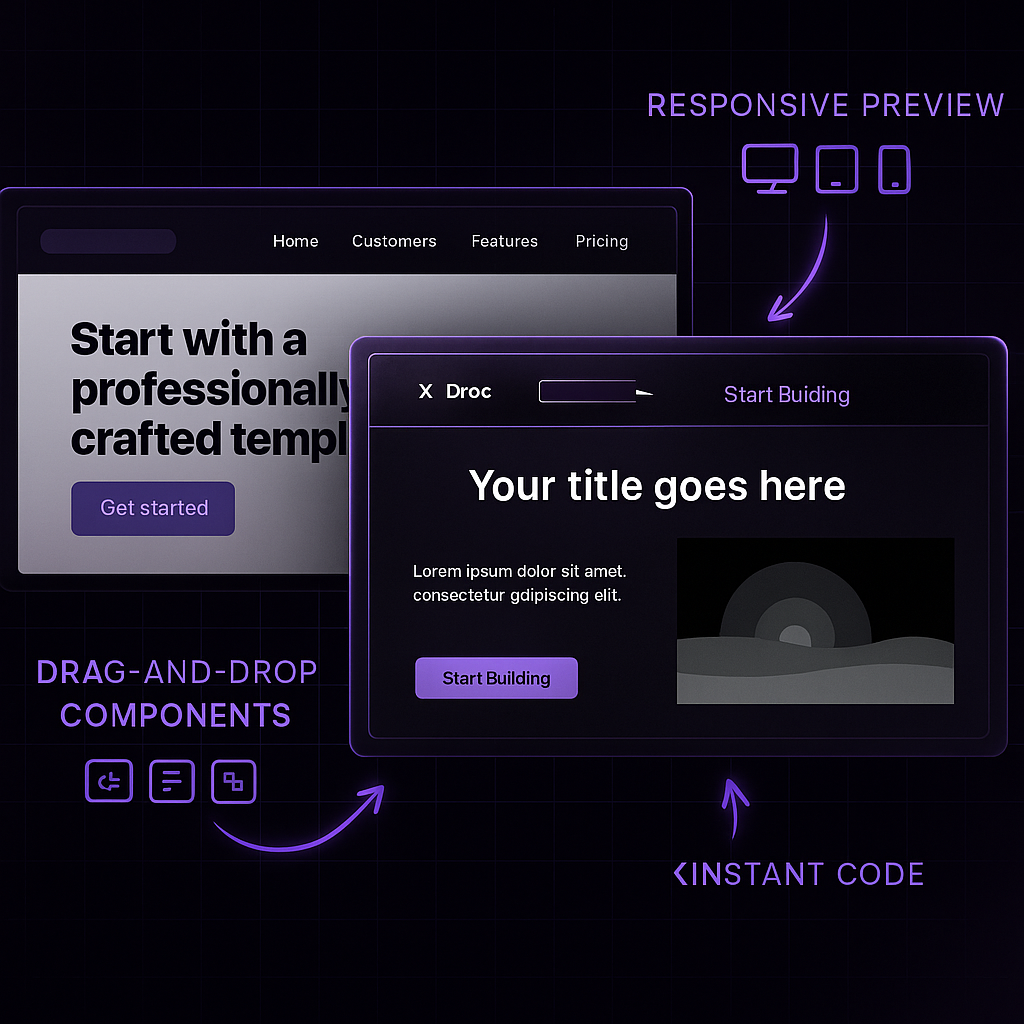
Key Features
- Drag & Drop Components: buttons, forms, grids, navbars, and more.
- Instant Code Generation: produces clean, framework-native code.
- Responsive Previews: test layouts across desktop, tablet, and mobile.
- Live Sync: every change is synced to your repo in real time.
- Integrated with Deployments: commit → build review → production, all within Biztraak.
How it works
- Open your project and select UI Builder.
- Drag components from the palette onto the canvas.
- Adjust properties, layouts, and styles visually.
- Preview your UI on desktop, tablet, and mobile.
- Commit changes → Biztraak pushes updates to your Git repo.
- Deploy instantly using build reviews or production pipelines.
Example Workflow
- Start from a Template: open the UI Builder to customize.
- Add a login form, dashboard grid, and navigation bar.
- Switch to Responsive Preview to check mobile layout.
- Click Commit: Biztraak syncs code to your Git repo.
- Build Review spins up → share the preview URL with your team.
Why use the UI Builder?
- Faster iteration: prototype in minutes, not days.
- No lock-in: you always get the generated code in your repo.
- Customizable: extend generated code with your own frameworks.
- Integrated: works seamlessly with API Builder, Cloud Dev, and Marketplace apps.
Next steps
- API Builder → create backend APIs to power your UI
- Cloud Dev → edit generated code in VS Code online
- Deployments → take your UI live in production
Biztraak’s UI Builder gives you the speed of low-code with the control of full-code, best of both worlds.